Clock in where you already are.
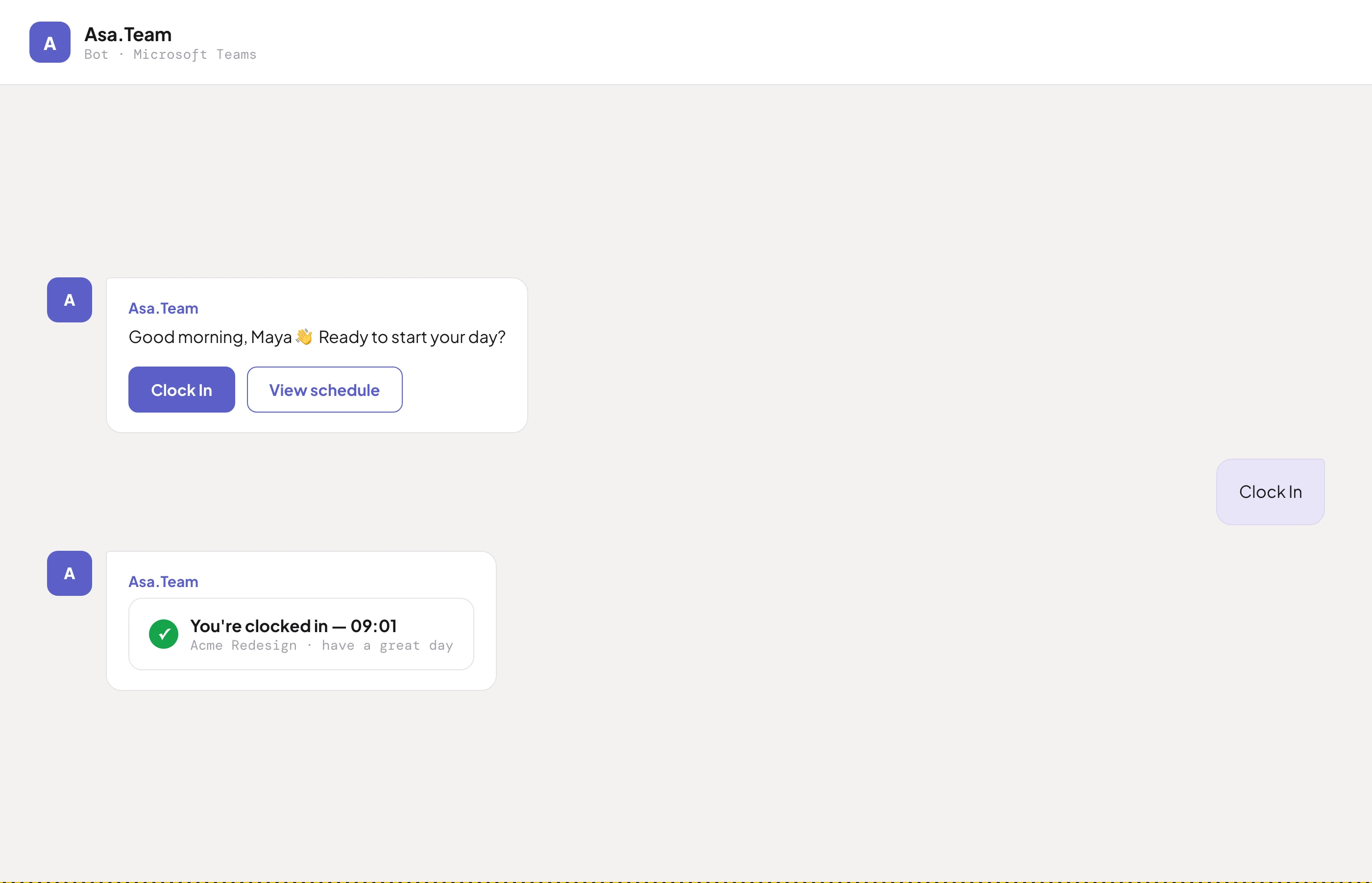
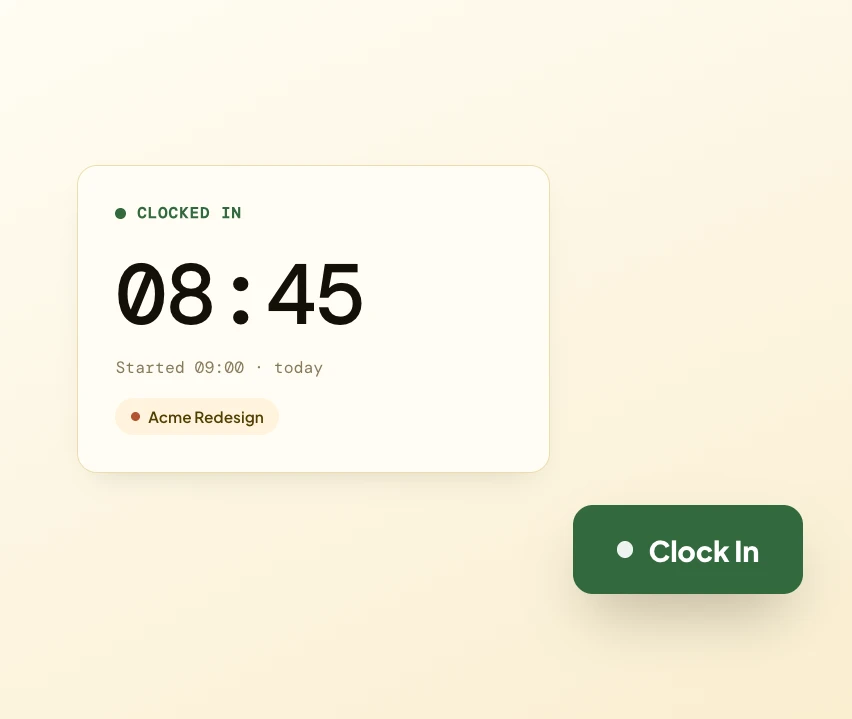
Your team clocks in from Slack, Microsoft Teams, Telegram or the web — whatever they already use. Every entry syncs in real time, giving you one source of truth for attendance.

Effortless time tracking across Slack, Microsoft Teams, Telegram and web. Automatic timesheets, smart attendance, and built-in amendment workflows — so the clock keeps itself.
Whatever your team already uses, time tracking should be one tap and zero nagging. Here's how Asa keeps attendance honest without micromanaging anyone.
Your team clocks in from Slack, Microsoft Teams, Telegram or the web — whatever they already use. Every entry syncs in real time, giving you one source of truth for attendance.


No more manual entry. Every clock in and out populates accurate monthly timesheets with zero effort from your team — then exports to ready-to-use CSV for payroll in one click.
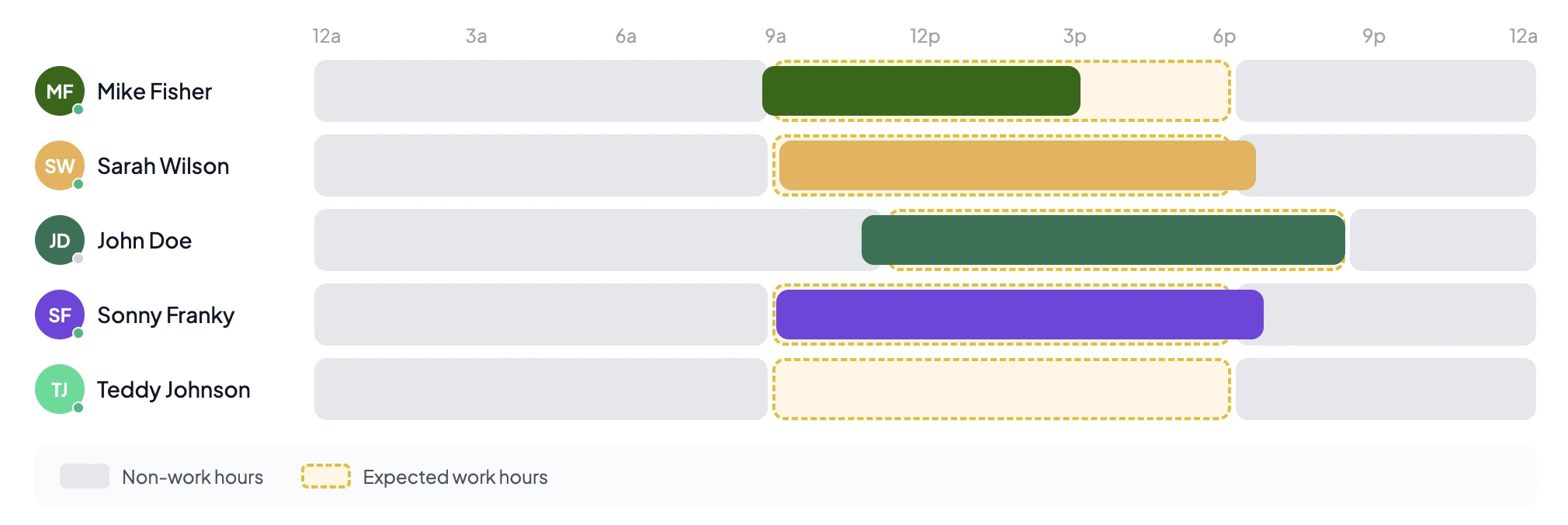
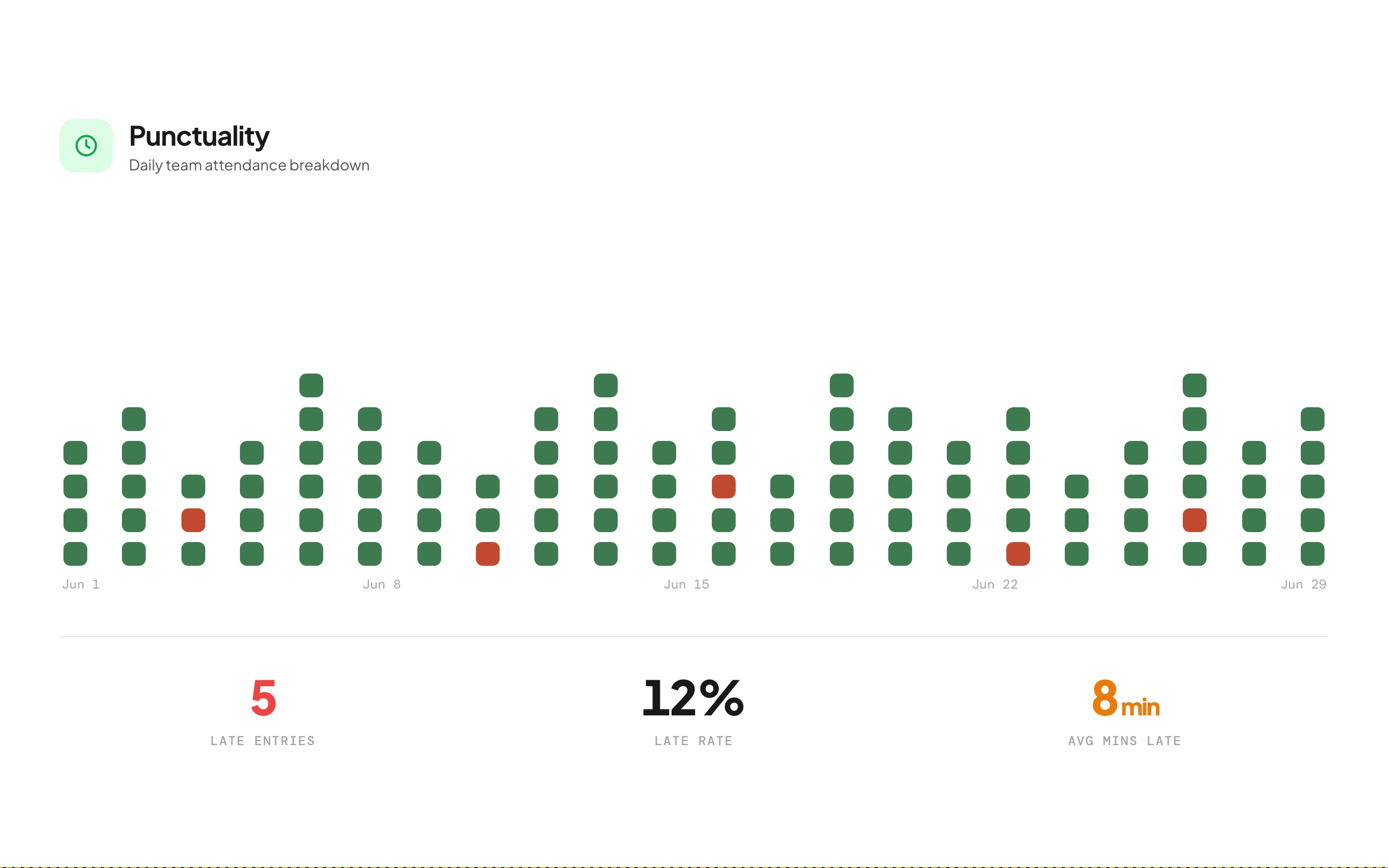
Track attendance with configurable grace periods and automated late alerts. Get real-time notifications when team members clock in, and watch punctuality trends — not individuals.


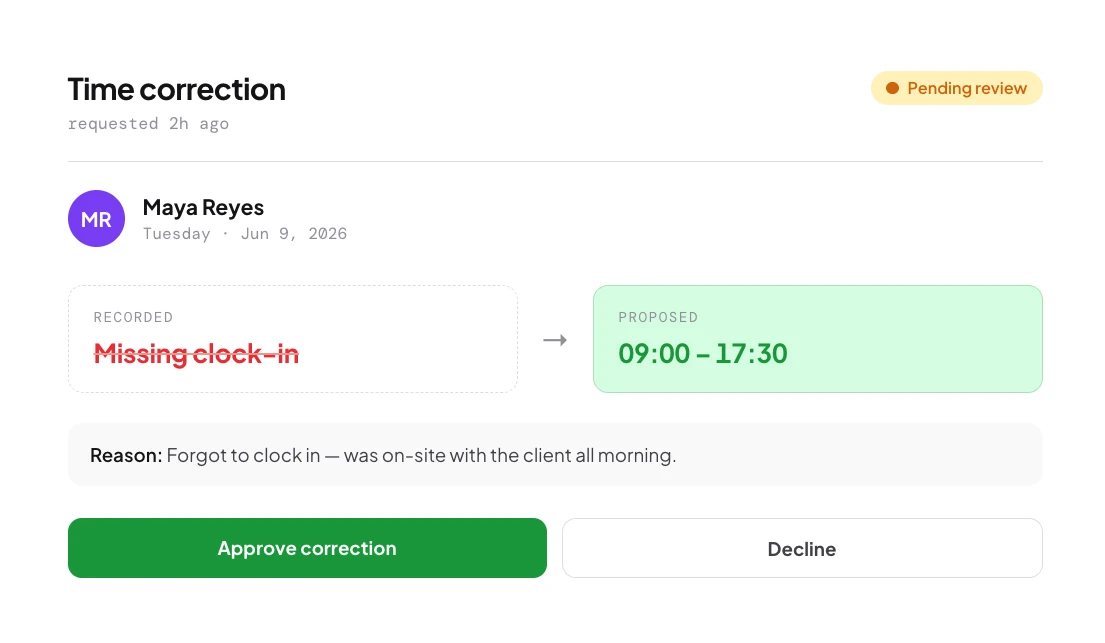
Team members submit time-correction requests with a reason in a few clicks. Managers review and approve from a dedicated queue — everything tracked, auditable and transparent.
Your team can clock in and out from Microsoft Teams, Slack, Telegram or the web app — whatever they already use. All entries sync in real time, so you have a single source of truth for attendance regardless of which platform each person prefers.
Yes. Every clock in and out automatically populates accurate monthly timesheets with zero manual entry. View daily, weekly or monthly summaries, and export them as CSV for payroll or compliance.
Asa monitors clock-in times against configurable schedules with grace periods. You get real-time notifications when team members clock in, and the dashboard shows on-time percentages and late trends — without micromanaging.
If someone forgets to clock in or makes an error, they submit a correction request with a reason. Admins review and approve or reject from a dedicated queue. Everything is tracked and auditable.
Yes. Assign custom schedules with different start times, end times and work days. The free Starter plan supports up to 3 members with custom schedules; Growth and above are unlimited.
Daily, weekly and monthly timesheet reports as CSV — including clock-in/out times, total hours, punctuality status and break durations, ready for payroll or compliance audits.
Yes. Break tracking is built in across all plans. Team members log breaks, and durations are tracked separately from work hours in timesheets and reports.
The Starter plan includes multi-platform clock in/out, automatic timesheets, punctuality tracking, amendment workflows, break tracking and CSV exports for up to 5 members. Custom schedules are limited to 3 users on free.
When your team clocks in they can optionally pick a project. Hours split automatically if they switch during the day, and you can retroactively allocate hours via the allocation calendar.
Yes. Everyone can view their own clock-in/out history, timesheets, punctuality record and amendment status. Admins see the whole team with extra filtering and reporting.
Connect a chat tool in two minutes and your team starts clocking in from the apps they already open. Timesheets fill themselves from day one.